
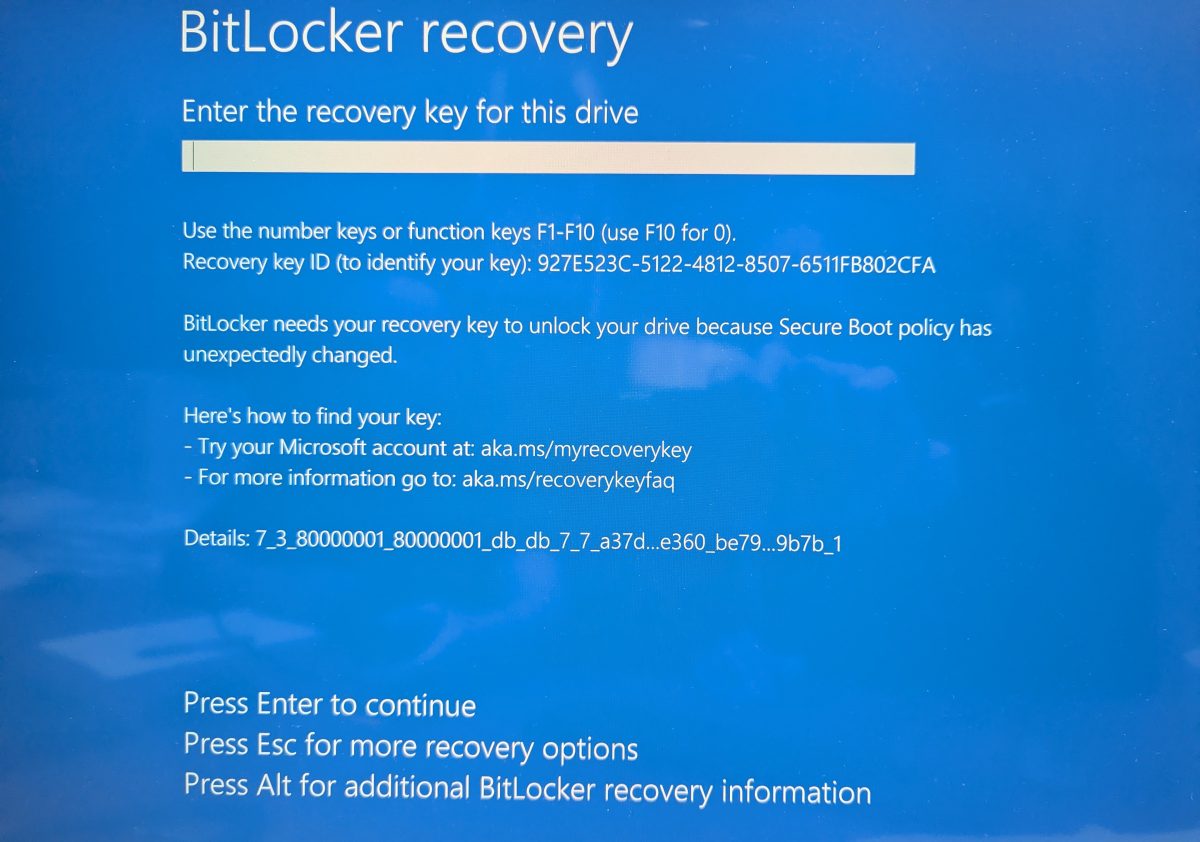
A Windows 11 computer may suddenly start with a blue screen that says:
BitLocker Recovery
Enter the recovery key for this drive.
BitLocker needs your recovery key to unlock your drive.
This message can be scary, especially when the computer was working normally before. In most cases, it does not mean the hard drive is bad. It usually means Windows detected a security or boot change and BitLocker is asking you to prove that you are allowed to access the encrypted drive.
What Is BitLocker?
BitLocker is Microsoft’s drive encryption feature. It protects the data on your computer if the device is lost, stolen, or someone tries to remove the drive and read it from another machine.
When BitLocker is enabled, Windows normally unlocks the drive automatically by using the computer’s TPM security chip. The user does not notice anything during a normal startup.
But if Windows believes something important changed, it may stop the boot process and ask for the 48-digit BitLocker recovery key.